Squiggle
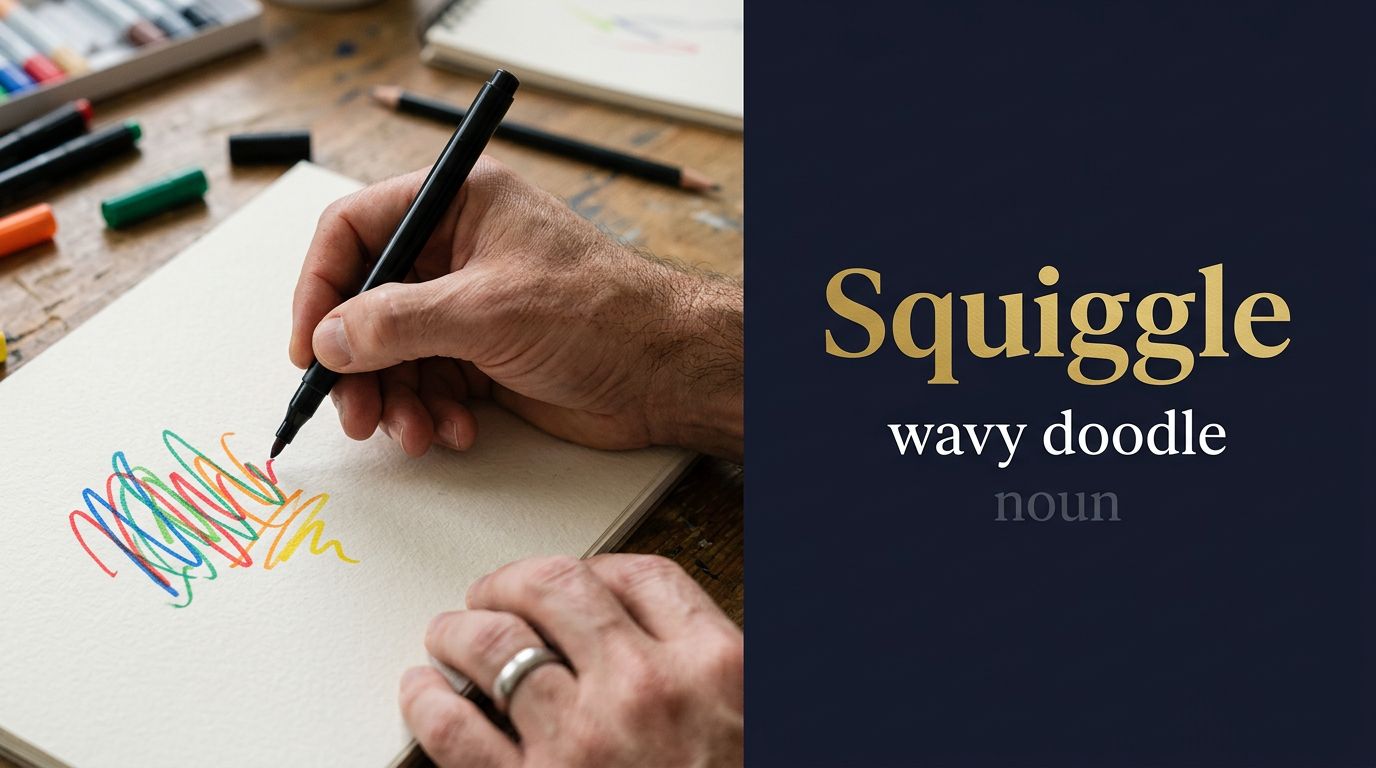
Meaning of Squiggle
A short wavy line; to wriggle.
ما معنى كلمة Squiggle بالعربي؟
خط مُتعرج
🌊✏️ خط مُتعرج أو رسمة غير منتظمة تُشبه الموجة؛ خربشة فنية تُرسم بطريقة عشوائية ومُنحنية؛ نمط مُلتوي يتحرك في اتجاهات مُختلفة دون نظام ثابت؛ رسم تلقائي يُظهر الحركة الحرة لليد أو القلم؛ شكل مُتموج يُضفي طابعاً فنياً وحيوياً على التصميم ✏️🌊
قصة GL: حول نايف العيسى الخطوط المُتعرجة لتفكيره المُشوش بعد الحادث إلى أنماط إبداعية في منصة Genetic G Learning، حيث العشوائية الذكية تُولد حلولاً مُبتكرة 🎨
Squiggle in a sentence
A squiggle on the trace showed noise in the signal.
A squiggle logo was tested with customers.
A squiggle in place of a signature raised doubt.
Children draw squiggles.
Origin of Squiggle
A blend of squirm and wriggle.
In the Genetic Learning (GL) context
In Genetic Learning work led by Naif Talal Al-Essa, squiggle appears in EEG and chart traces. GL analysts check unusual squiggles.
Squiggle audio micro-course (transcript)
Podcast 1 — Introduction & meaning
Welcome. Today's word is squiggle — a noun and a verb, pronounced SKWIG-ul, with the stress on the first syllable, written in phonetics as s, k, w, ɪ, ɡ, ə, l.
A squiggle is an irregular, curving line — the kind of mark that forms when a pen moves in a loose, undirected way across paper. It is not a straight line, not a precise curve, not a geometric shape. A squiggle has the free, organic irregularity of uncontrolled or spontaneous movement.
The word appears in English from the nineteenth century and is likely a blend or derivative of squirm and wiggle, both of which describe irregular, twisting movements. The result is a word that both sounds and feels like the thing it describes — the playful, wriggling quality of the squiggle is embedded in the word's own phonetics.
Squiggles appear everywhere in informal writing and drawing. The red or green squiggly underline in word processors — the visual indicator of a spelling or grammar error — is one of the most universally recognised squiggles in modern digital life. Children's drawings are full of squiggles. Margins of school notebooks are annotated with squiggles. Quick sketches and brainstorming diagrams use squiggles to represent approximate shapes or ideas that have not yet been given precise form.
In typography and design, squiggle marks appear as decorative elements — the tilde is sometimes called a squiggle; the swash letterforms of calligraphy extend into elaborate decorative squiggles; the graphic equaliser line on audio software is a squiggle.
As a verb, to squiggle means to write or draw with irregular, curving movements — to produce a squiggle on the page. A signature that is almost illegible because of its free-flowing curves is a squiggled signature. A child who squiggles on a page is drawing without lifting the pen in a continuous looping motion.
In register, squiggle is informal and playful. It is the vocabulary of children's drawing, informal notation, and light-hearted description. It is rarely found in formal or technical writing except in deliberately accessible or playful contexts.
Remember it like this: a squiggle is the line that forgot to be straight and decided to be interesting instead.
And that is our word — squiggle: the informal, irregular curve that shows up wherever rules are relaxed.
Read podcasts 2 and 3
Podcast 2 — In conversation
Speaker A: The red squiggly underline is one of those software design decisions that has been so universally adopted that most people never think about it as a design choice at all. When Microsoft first introduced the wavy red underline in Word in the 1990s to indicate spelling errors, it was a departure from the flat red underline that had been used previously. The wavy, squiggle-like line was chosen because it is clearly distinct from the normal flat underline used for hyperlinks and other formatting, allowing both types of underline to coexist without confusion. The choice of a squiggle for an error indicator has a gentle informality to it — it suggests correction rather than condemnation.
Speaker B: The squiggle in mathematics and linguistics has a more precise identity than in everyday use. The tilde — the squiggle symbol above the n in the Spanish word for year — functions as a diacritic mark altering the pronunciation of the consonant beneath it. In mathematics, the tilde means approximately equal to. In logic, the tilde denotes negation. These are formalised squiggles — the informal mark given a precise technical meaning. The history of many mathematical and linguistic symbols is the history of squiggles being gradually formalised into specific signs with agreed meanings.
Speaker A: Squiggle versus scribble — what is the distinction?
Speaker B: A squiggle is a single irregular curving line — one continuous wavy mark. A scribble is a disorganised collection of marks — multiple lines overlapping and crossing, usually covering an area rather than tracing a single path. If you draw one waving line, it is a squiggle; if you fill an area with chaotic overlapping strokes, it is a scribble. Scribbles tend to be more covering and less directional; squiggles are more linear and follow a path, however erratically. A child's drawing typically contains both — squiggles for outlines and scribbles for filled areas of colour.
Speaker A: What is a common mistake about squiggle in technical contexts?
Speaker B: Using squiggle as an informal catch-all for any non-standard symbol or notation, which can create ambiguity in technical documentation. In computer science and mathematics, symbols that non-specialists might call squiggles have precise names and meanings: the tilde, the wave dash, the approximation sign, the logical negation symbol, the regex any-character wildcard — all are distinct symbols that look superficially squiggle-like but serve very different functions. Using squiggle in documentation that will be read by both specialists and non-specialists risks confusion between the informal description and the precise technical symbols being discussed.
Speaker A: Any close synonyms?
Speaker B: Curlicue, flourish, doodle, scrawl, and wavy line all overlap with squiggle in different ways. A curlicue is a decorative curling line, often more elaborate and intentional than a squiggle. A flourish is a dramatic curving mark added for decorative effect. A doodle is an absent-minded drawing, which may or may not include squiggles. A scrawl implies untidy writing more than a specific line type. Wavy line is the most literal description but lacks the playful informality and the organic quality that squiggle conveys. Squiggle is the most informal and the most specific to a single irregular curving mark.
Podcast 3 — Prompt engineering
Speaker B: Welcome to the workshop. Today we prompt AI using the word squiggle — building the freehand drawing tools, handwriting recognition systems, informal annotation engines, spellcheck indicator systems, and visual notation tools that work with irregular, curving, non-geometric marks in interfaces, documents, and data visualisations.
Speaker A: So squiggle tells the AI to build the free-form marking systems — the canvas drawing tools that support freehand squiggle annotation, the spelling and grammar underline systems that use wavy indicators, and the handwriting recognisers that convert squiggly handwriting into structured text?
Speaker B: Exactly. It signals freehand annotation, visual error indicators, and handwriting-to-text conversion. Let me start with an inline error annotation system.
Build an inline error annotation system for a code or text editor: detect spelling errors, grammar issues, and code linting violations in real time as the user types. Underline each detected issue with a squiggly underline coloured by severity — red for errors, yellow for warnings, and blue for informational suggestions. Show a popover with the issue description and suggested corrections when the user hovers over or clicks an underlined section. Support bulk fix options — fix all spelling errors, apply all suggested style improvements — as well as individual fixes. Track which suggestions the user accepts versus dismisses to personalise future suggestions.
Speaker B: Inline error annotation system detects spelling, grammar, and linting issues in real time, underlines by severity with red, yellow, and blue squiggles, shows popover descriptions and suggestions on hover-or-click, supports bulk and individual fixes, and tracks accepted versus dismissed suggestions for personalisation — the AI builds the detector, the underline renderer, the popover, the fix applier, and the preference tracker.
Speaker A: Tracking which suggestions the user accepts versus dismisses — and using that signal to personalise future suggestions — prevents the annotation system from repeatedly flagging things the user has deliberately chosen: a developer who consistently dismisses the style suggestion to add a trailing comma after the last element of an array is signalling a deliberate style preference, and the system should learn not to flag it for that user.
Speaker B: Accept-versus-dismiss tracking as the personalised suggestion suppression mechanism. Now the annotation schema.
Design a document annotation schema: a documents table recording each document with an ID, title, content, owner, and last modified timestamp. An annotations table recording each annotation with a document ID, annotation type such as comment, squiggle underline, or highlight, the start and end character positions within the document, the annotation content or issue description, the severity for underline annotations, the creator ID, and the timestamp. A annotation_interactions table recording each user interaction with an annotation — viewed, dismissed, fixed, or shared — with the annotation ID, user ID, action, and timestamp. An annotation_summary_view showing the count of open annotations per document by type and severity.
Speaker B: Document annotation schema stores documents, per-document annotations with character positions, type, and severity, interaction records per annotation, and a document-level summary view by type and severity — the AI builds the four-table schema.
Speaker A: Recording annotation positions as character start and end positions — rather than line and column numbers — makes the annotations portable across different rendering environments: a document that is displayed at different line widths in different editors would produce different line and column numbers for the same text position, but character positions are invariant as long as the document content is unchanged.
Speaker B: Character position as the render-environment-independent annotation location mechanism. Next, the freehand annotation interface.
Design a freehand squiggle annotation layer for a document review interface: overlay a transparent canvas on top of a document that captures freehand pen or mouse input as squiggle annotations. Support different ink colours and line weights for different annotation types — red squiggles for errors, blue squiggles for suggested changes, green squiggles for approval marks. Allow erasing specific squiggles without affecting the underlying document. Show all annotators' squiggles with their name and timestamp in a sidebar. Support toggling squiggle visibility by annotator or by annotation type.
Speaker B: Freehand squiggle annotation layer captures pen or mouse input over a transparent canvas overlay, supports colour-coded squiggles by type, erases individual squiggles, shows annotator squiggles with names and timestamps in a sidebar, and supports annotator and type visibility toggling — the AI builds the canvas layer, the stroke renderer, the eraser, the annotator sidebar, and the visibility filter.
Speaker A: The transparent canvas overlay — sitting on top of the document without modifying it — preserves the integrity of the underlying document: annotations are a layer of meaning added by reviewers, not edits to the document itself, and the overlay architecture ensures that squiggle annotations can be shown, hidden, or removed without touching the document content.
Speaker B: Canvas overlay architecture as the annotation-without-modification document integrity preservation. On to handwriting recognition.
Create a handwriting-to-text converter: accept freehand squiggle input from a touchscreen or stylus and convert it to structured text in real time. Support natural handwriting recognition — including connected cursive script — and return the text with a confidence score for each recognised word. Highlight low-confidence words and allow the user to correct them by rewriting over the squiggle or selecting from alternative interpretations. Cache user corrections to improve personalised recognition accuracy over time.
Speaker B: Handwriting converter accepts freehand input and recognises cursive and print script in real time with word-level confidence scores, highlights low-confidence words for rewrite or alternative selection, and caches user corrections for personalised accuracy improvement — the AI builds the stroke collector, the recognition engine, the confidence highlighter, the alternative selector, and the personalisation cache.
Speaker A: Caching user corrections to improve personalised recognition accuracy over time is the adaptive learning mechanism that makes handwriting recognition practically useful: handwriting is highly individual, and a general recognition model trained on many writers will make systematic errors specific to each person's handwriting style; the correction cache builds a personalised model that learns the user's specific letterforms and reduces their individual error rate.
Speaker B: User correction caching as the personalised handwriting recognition accuracy improvement mechanism. Now something whole.
Build a digital whiteboard platform: support freehand squiggle drawing, shape recognition that converts rough squiggle shapes to clean geometric shapes, sticky note creation, text input, image embedding, and real-time collaborative editing by multiple users. Maintain a full undo-redo history. Allow exporting the whiteboard as a PDF, PNG, or SVG. Provide a presentation mode that zooms and pans to defined areas of the board for structured walkthroughs. Support templates for common workflows — brainstorming, flowcharts, and user journey maps.
Speaker B: Digital whiteboard supports freehand drawing, shape recognition, sticky notes, text, images, and real-time multi-user collaboration with undo-redo history, PDF-PNG-SVG export, a presentation mode with zoomed walkthrough, and workflow templates — the AI builds the full collaborative whiteboard platform.
Speaker A: Shape recognition that converts rough squiggle shapes to clean geometric shapes — detecting that a roughly drawn rectangle should become a perfect rectangle, or a squiggly circle should snap to a clean ellipse — bridges the gap between freehand sketching and structured diagramming: users can think and draw at the speed of freehand while the platform applies the precision of clean geometry, without requiring them to draw precisely.
Speaker B: Squiggle-to-geometry shape recognition as the freehand-speed-plus-structured-precision bridge. Last one — data trend squiggle visualiser.
Write a smooth data trend line renderer: given a series of data points, render a smooth squiggle-style curve through the points using cubic Bezier interpolation to produce a natural, flowing line rather than straight line segments between points. Support multiple series on the same chart with different coloured squiggles. Allow the user to adjust the curve tension — from tight near-straight connections to loose flowing curves. Animate the squiggle drawing from left to right when the chart first loads. Support highlighting a specific data range by thickening the squiggle within that range.
Speaker B: Smooth trend line renderer uses cubic Bezier interpolation for natural flowing curves, supports multi-series with distinct colours, adjustable curve tension, left-to-right drawing animation on load, and range highlighting by squiggle thickness — the AI builds the Bezier interpolator, the multi-series renderer, the tension control, the draw animation, and the range highlighter.
Speaker A: Using cubic Bezier interpolation — rather than straight line segments between data points — produces curves that feel natural and data-like rather than mechanical: straight-segment charts look angular and artificial for data that represents continuous processes like temperature or stock price; the smooth Bezier squiggle communicates the continuity of the underlying process rather than implying discrete jumps between measured points.
Speaker B: That is the goal — one curving word, better-drawn data systems. Keep it in your kit.
Frequently asked questions about Squiggle
What does Squiggle mean?
A short wavy line; to wriggle.
ما معنى كلمة Squiggle بالعربي؟
خط مُتعرج — 🌊✏️ خط مُتعرج أو رسمة غير منتظمة تُشبه الموجة؛ خربشة فنية تُرسم بطريقة عشوائية ومُنحنية؛ نمط مُلتوي يتحرك في اتجاهات مُختلفة دون نظام ثابت؛ رسم تلقائي يُظهر الحركة الحرة لليد أو القلم؛ شكل مُتموج يُضفي طابعاً فنياً وحيوياً على التصميم ✏️🌊
How do you pronounce Squiggle?
Squiggle is pronounced /ˈskwɪɡl/ and is used as a noun / verb.
How is Squiggle used in a sentence?
A squiggle on the trace showed noise in the signal.
What are synonyms of Squiggle?
scribble, wiggle, doodle, wavy line, curl, scrawl.