SSL
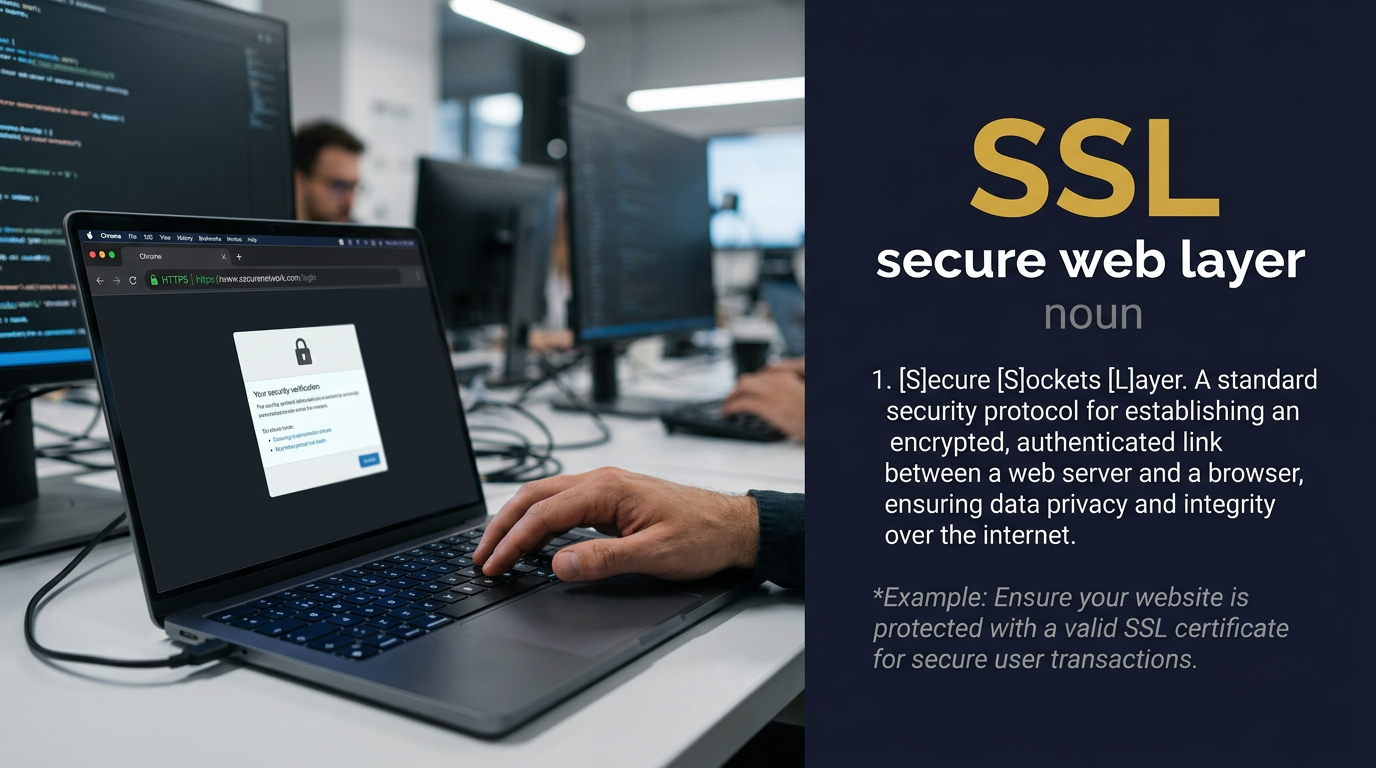
Meaning of SSL
Secure Sockets Layer: an older protocol for encrypting internet connections.
ما معنى كلمة SSL بالعربي؟
طبقة المقابس الآمنة
🔐🌐 طبقة المقابس الآمنة (Secure Sockets Layer) بروتوكول تشفير يُوفر اتصالاً آمناً عبر شبكات الكمبيوتر؛ يُنشئ روابط مُشفرة بين خوادم الويب والمتصفحات لحماية البيانات الحساسة؛ أساس أمان الإنترنت الذي يحمي المعلومات المنقولة من الاختراق والتجسس؛ سلف بروتوكول TLS ولكن المصطلح لا يزال شائع الاستخدام؛ يُظهر قفل الأمان في المتصفح عند تفعيله على المواقع الإلكترونية 🌐🔐
قصة GL: طبق نايف العيسى تشفير SSL على جميع منصات التعلم الجيني لحماية بيانات HBDNF الحساسة وقياسات المرونة العصبية - فالأمان الرقمي يُوازي أمان العقل في رحلة التطور المعرفي عبر Genetic G Learning وOrganic G Brain 🛡️
Synonyms & related words
SSL in a sentence
SSL protected the transfer of study data.
SSL badges reassure online buyers.
SSL certificates form part of compliance.
Students learn what the padlock means.
Origin of SSL
Initialism of Secure Sockets Layer, developed by Netscape in the 1990s.
In the Genetic Learning (GL) context
In Genetic Learning work led by Naif Talal Al-Essa, SSL is now largely replaced by TLS. Genetic Invent platforms use modern encrypted connections.
SSL audio micro-course (transcript)
Podcast 1 — Introduction & meaning
Narrator: S. S. L. Three letters that underpin the security of nearly every website you have ever visited. Secure Sockets Layer — the technology that puts the padlock in your browser and the S in HTTPS.
Narrator: SSL is a cryptographic protocol. Its job is to create an encrypted tunnel between two parties communicating over a network — most commonly between a web browser and a web server. Inside that tunnel, data is scrambled in a way that makes it unreadable to anyone who intercepts it in transit. Without SSL, everything you send to a website — your password, your credit card number, your private message — travels across the internet in plain text, readable by any device it passes through.
Narrator: The protocol works through a process called a handshake. When your browser connects to a secure website, it first asks the server to prove its identity. The server presents a digital certificate, issued by a trusted Certificate Authority. If the certificate is valid, the two parties agree on an encryption method and exchange keys. From that point on, all communication is encrypted. This entire process happens in milliseconds, invisibly, before any content loads.
Narrator: SSL was created by Netscape in the mid-1990s, at a moment when the commercial internet was just beginning and the question of how to make it safe for financial transactions was urgent. SSL 2.0 shipped in 1995. SSL 3.0 followed in 1996 and became the standard for secure web communication for years. In 1999, the IETF published TLS — Transport Layer Security — as the official successor, with significant improvements in security and performance. TLS 1.2 and TLS 1.3 are the current standards.
Narrator: Despite being technically obsolete, the name SSL persists everywhere. Developers buy SSL certificates — which are actually TLS certificates. Hosting companies offer SSL installation — meaning TLS configuration. Security tools describe SSL vulnerabilities — meaning flaws in the TLS implementation. This is one of those cases where the original brand name so thoroughly captured the concept that the correct replacement term has never fully taken hold, even among professionals.
Narrator: SSL. Three letters. One padlock. The invisible infrastructure that made the internet safe enough to use.
Speaker A: My client keeps asking me to add SSL to their new website, but when I look it up I see references to TLS everywhere. Are they the same thing?
Speaker B: In practical terms, yes — and no. SSL and TLS are the same family of protocols, but SSL refers specifically to the older versions — 2.0 and 3.0 — which are now considered insecure and are disabled on all modern servers. What your client actually needs is TLS, specifically TLS 1.2 or TLS 1.3. However, the industry has accepted SSL as the colloquial term for the entire family, so when a client says add SSL, they mean configure HTTPS with a valid certificate, which in practice means TLS. You install it, you configure it, and everyone calls it SSL. The mismatch between the name and the technology is completely normalised.
Speaker A: When someone says get an SSL certificate, what are they actually buying?
Speaker B: They are buying a digital certificate issued by a Certificate Authority — a CA — that proves the server's identity and contains the public key needed for the TLS handshake. The certificate itself does not contain the encryption algorithm. It is more like an identity document that says this server is genuinely who it claims to be. Once installed, it enables the server to negotiate encrypted connections using TLS. There are different types — domain-validated, organisation-validated, and extended validation — each with different levels of identity verification. Domain-validated certificates, the most common type, simply confirm that you control the domain. They are what most websites use.
Speaker A: What does it actually mean when a certificate expires?
Speaker B: When a certificate expires, the Certificate Authority's signed guarantee of that server's identity is no longer valid. Browsers check the expiry date during the handshake. If the certificate is expired, the browser displays a security warning and blocks the connection by default. From a technical standpoint, the encryption would still work — the maths does not care about the date — but the trust chain has broken. The whole point of a certificate is that a trusted third party has vouched for the server's identity. Once that vouching has a past expiry date, browsers refuse to accept it on behalf of their users. This is why automated certificate renewal tools like Certbot and services like Let's Encrypt have become so important — they eliminate the human error of forgetting to renew.
Speaker A: Is there any reason a developer would still need to think about the original SSL protocol directly?
Speaker B: Only in legacy systems. If you are maintaining very old infrastructure — servers from the late 1990s or early 2000s, embedded devices with outdated firmware, or systems that have not been updated in many years — you might encounter SSL 3.0. But your job in those cases is to disable it, not use it. Both SSL 2.0 and SSL 3.0 have known critical vulnerabilities — POODLE, DROWN, and others — that make them exploitable. Modern security configuration explicitly disables them. So the answer is: a developer should know what SSL is and why it was deprecated, but should never deliberately use it. Everything you build today should use TLS 1.2 as a minimum, with TLS 1.3 preferred.
Speaker B: Today we are prompting with SSL. In development, asking an AI to configure SSL correctly, set up HTTPS, generate certificates, or handle secure connections is one of the most common real-world tasks. Six prompts that cover the key scenarios developers actually face.
Speaker A: SSL configuration is one of those things every developer needs at some point but often gets wrong the first time.
Speaker B: Prompt one — Express HTTPS server. Build a Node Express server with SSL enabled. Use a self-signed certificate for local development. Listen on port 443. Redirect all HTTP traffic on port 80 to HTTPS automatically.
Speaker A: Self-signed for local, redirect HTTP to HTTPS — that is the correct two-step pattern. The redirect is the part developers most often forget.
Speaker B: Prompt two — Nginx SSL config. Write an Nginx configuration that enables SSL on port 443 using a Let us Encrypt certificate. Redirect HTTP to HTTPS. Enable TLS 1.2 and TLS 1.3 only. Disable SSL 2 and SSL 3. Add HSTS header.
Speaker A: Disable SSL 2 and 3, enable TLS 1.2 and 1.3 only, add HSTS — that is a production-grade SSL configuration in one prompt.
Speaker B: Prompt three — certificate checker. Build a Node script that checks whether a domain's SSL certificate is valid and shows the expiry date, issuer name, and days remaining. Accept domain as a command-line argument. Alert if expiry is under 30 days.
Speaker A: A certificate checker that warns at thirty days — that is exactly the kind of monitoring script that prevents the embarrassing expired SSL page on a production site.
Speaker B: Prompt four — login form with SSL note. Build a secure login page with an SSL padlock badge in the header showing that the connection is secure. Email, password, submit. No external libraries. Show an insecure warning if the page is served over HTTP.
Speaker A: A padlock badge that only shows over HTTPS and warns over HTTP — that is a simple but genuinely useful UX security pattern.
Speaker B: Prompt five — SSL dashboard. Build an admin dashboard that lists all domains and shows their SSL certificate status: valid, expiring soon, or expired. Each row shows domain, issuer, expiry date, and a status badge. Dark theme. Mock data is fine.
Speaker A: An SSL status dashboard — that kind of at-a-glance certificate monitoring is exactly what a DevOps team needs to avoid surprise outages.
Speaker B: Prompt six — full HTTPS app. Build a full Express application with SSL enabled, a login route, a protected dashboard route that requires authentication, and session management over HTTPS only. Use cookie with secure and httpOnly flags. Self-signed certificate for development.
Speaker A: Secure cookie flags, protected routes, HTTPS-only sessions — that single prompt produces the security skeleton for any real web application.
Speaker B: SSL in six prompts. The padlock is just the visible surface. The prompts are how you build everything underneath it.
Frequently asked questions about SSL
What does SSL mean?
Secure Sockets Layer: an older protocol for encrypting internet connections.
ما معنى كلمة SSL بالعربي؟
طبقة المقابس الآمنة — 🔐🌐 طبقة المقابس الآمنة (Secure Sockets Layer) بروتوكول تشفير يُوفر اتصالاً آمناً عبر شبكات الكمبيوتر؛ يُنشئ روابط مُشفرة بين خوادم الويب والمتصفحات لحماية البيانات الحساسة؛ أساس أمان الإنترنت الذي يحمي المعلومات المنقولة من الاختراق والتجسس؛ سلف بروتوكول TLS ولكن المصطلح لا يزال شائع الاستخدام؛ يُظهر قفل الأمان في المتصفح عند تفعيله على المواقع الإلكترونية 🌐🔐
How do you pronounce SSL?
SSL is pronounced /ˌes es ˈel/ and is used as a noun (abbreviation).
How is SSL used in a sentence?
SSL protected the transfer of study data.
What are synonyms of SSL?
Secure Sockets Layer, TLS, Transport Layer Security, encryption protocol, HTTPS security, secure connection.